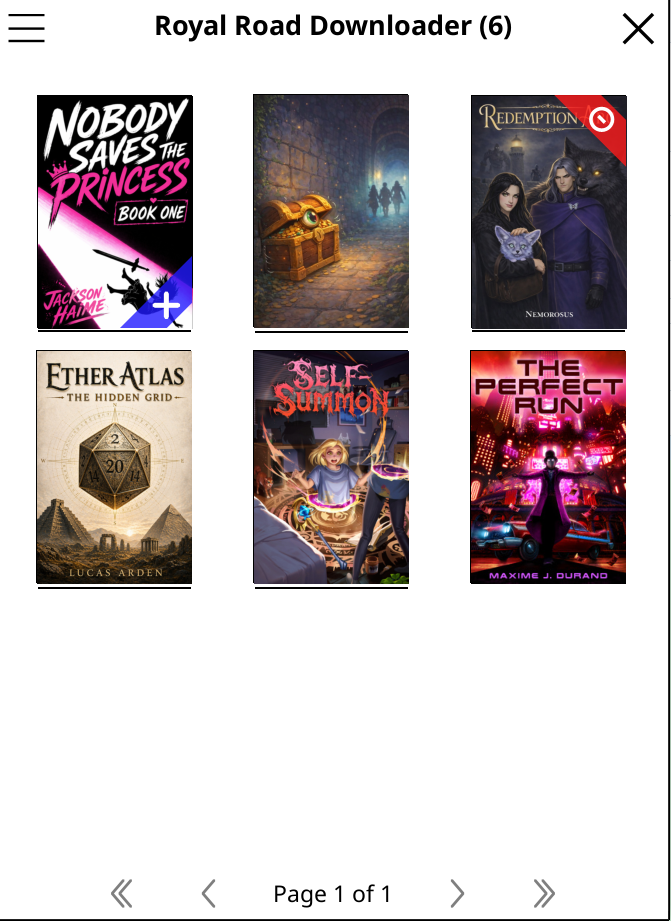
Features
On-Device Search
Search Royal Road by title or author from within KOReader, without leaving your device or opening a browser.
Complete Story Download
Downloads an entire fiction — all chapters, cover image, and metadata — packaged as a single EPUB.
Auto-Update Chapters
Check for new chapters and append them to existing EPUBs, keeping your library current with a few taps.
Cover Art and Metadata
Fetches the Royal Road cover art, author, and title so your EPUB looks polished in any reader's cover-art library view.
Reading Position Preserved
Bookmarks and reading position survive chapter updates — you pick up right where you left off.
Partial Download Resume
If a download is interrupted, the plugin can resume from where it stopped rather than starting over.
How it works
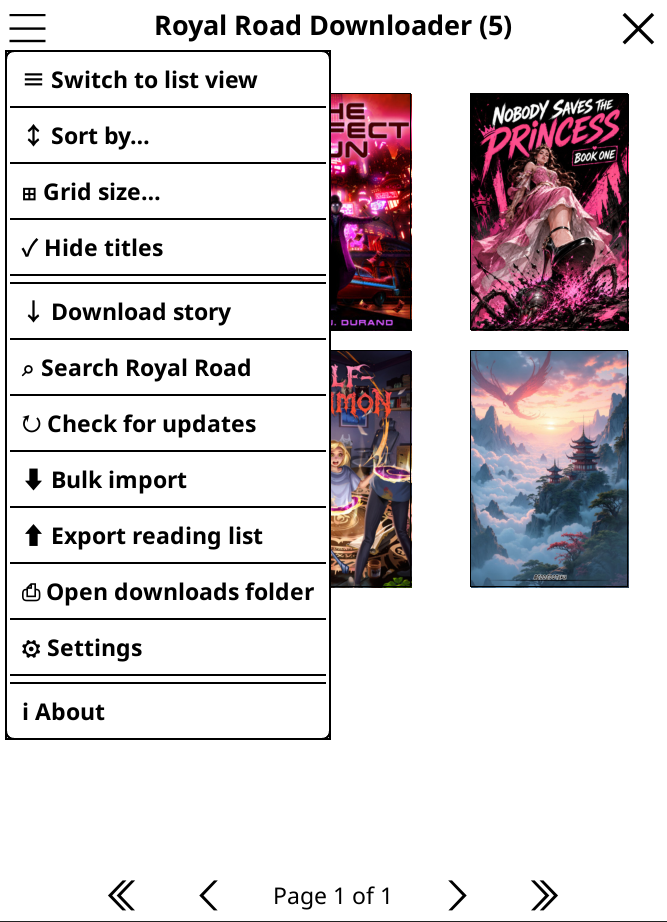
Open the plugin
Access Royal Road Downloader from the KOReader tools menu to see all options.
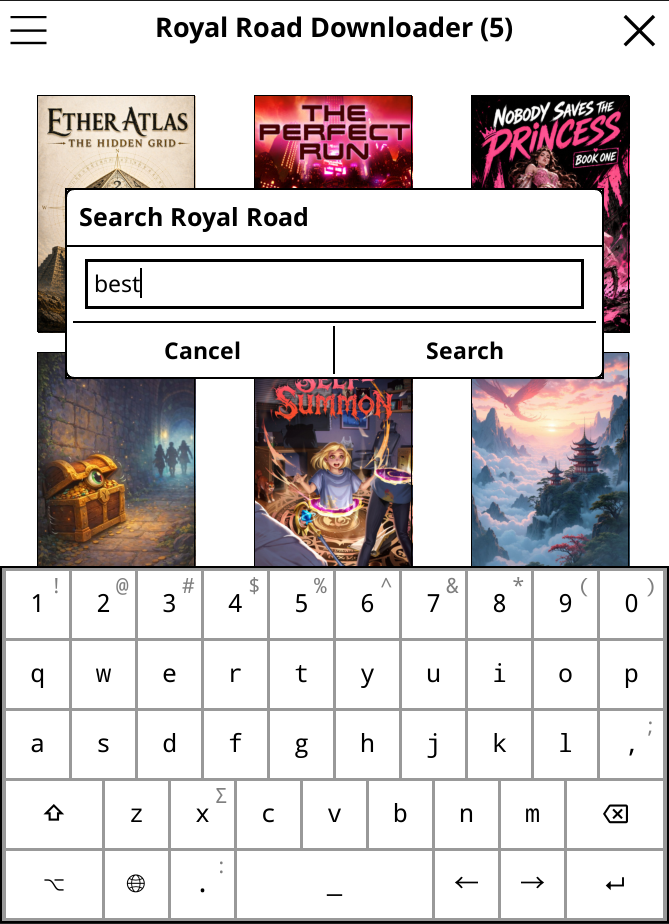
Search Royal Road
Search by title, author name, or keywords. Results show the title, chapter count, and tags — enough to decide if a story is worth downloading.
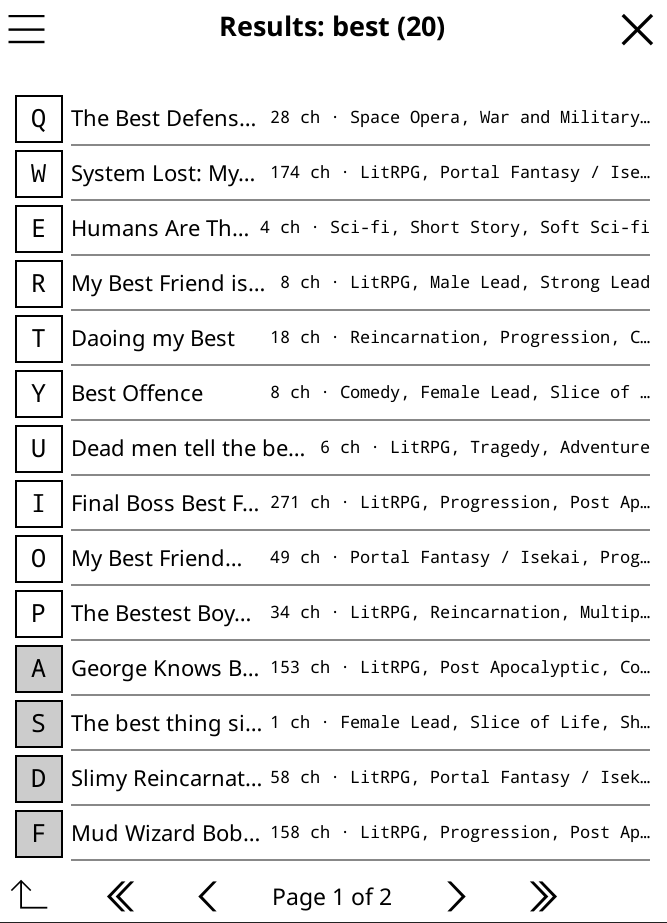
Browse results
Results show rating, chapter count, and word count. Sort by rating, words, or chapters to surface the best matches.
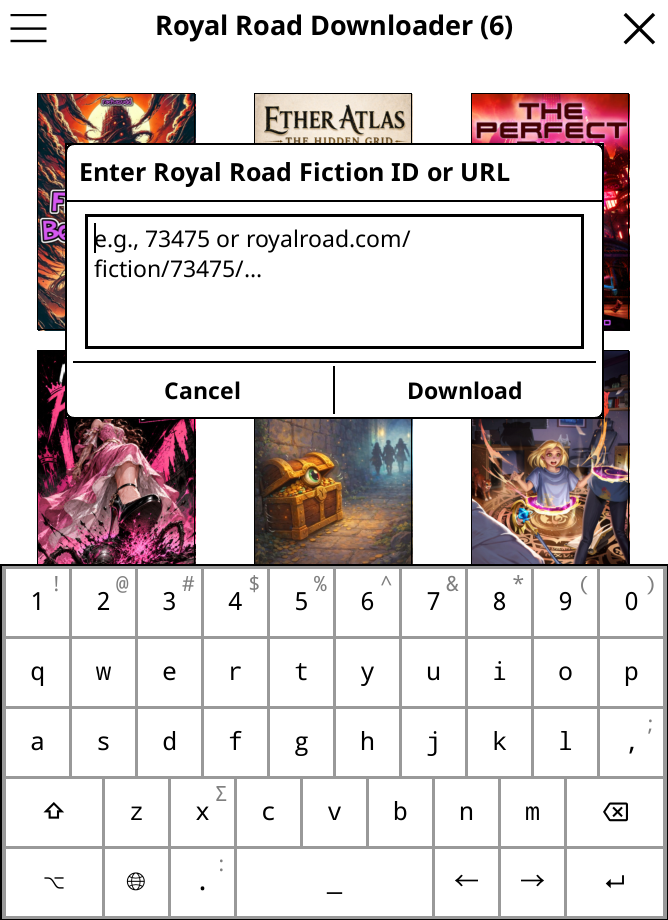
Enter a URL or story ID
If you already know the story, paste its Royal Road URL or just the fiction ID (the number from the URL). No browsing needed.
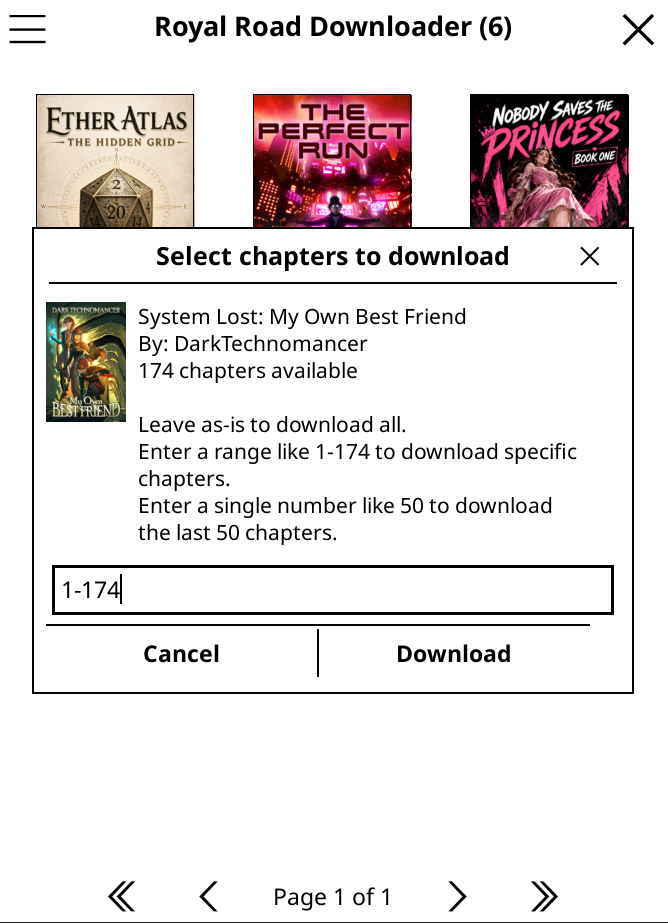
Choose chapters
Optionally select a chapter range — download the whole story or just the chapters you want.
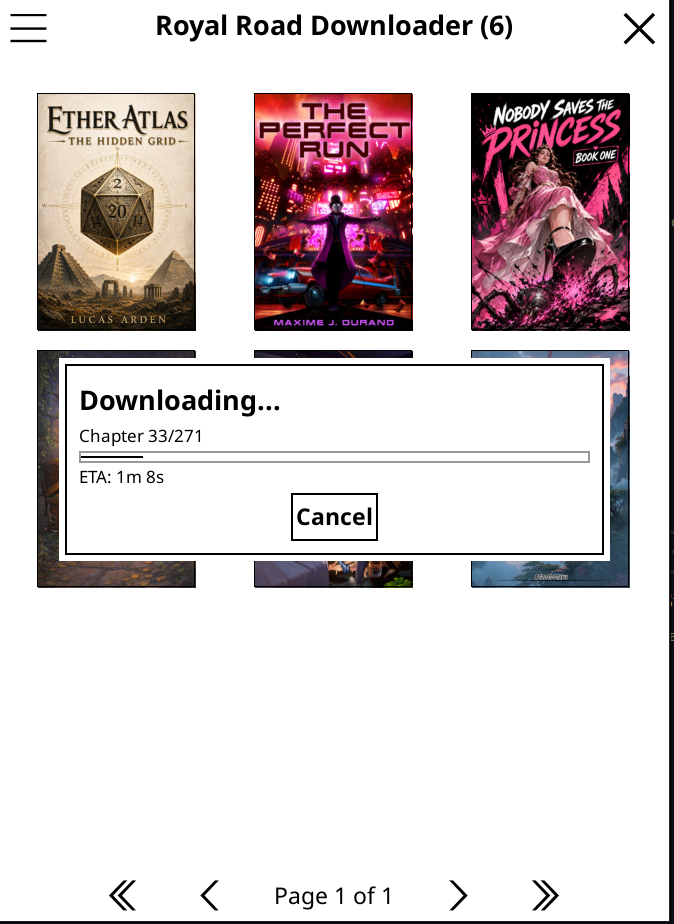
Downloading
A progress bar shows how many chapters have been fetched, with an estimated time to completion.
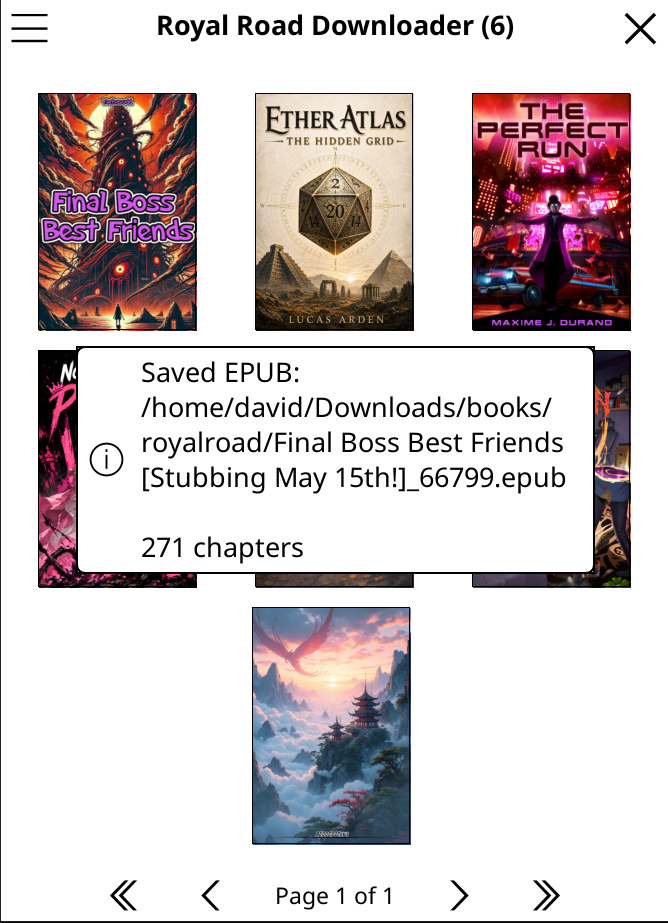
Done
The EPUB is saved and ready to read. Open it directly from the confirmation screen or find it in your library.
Managing your library
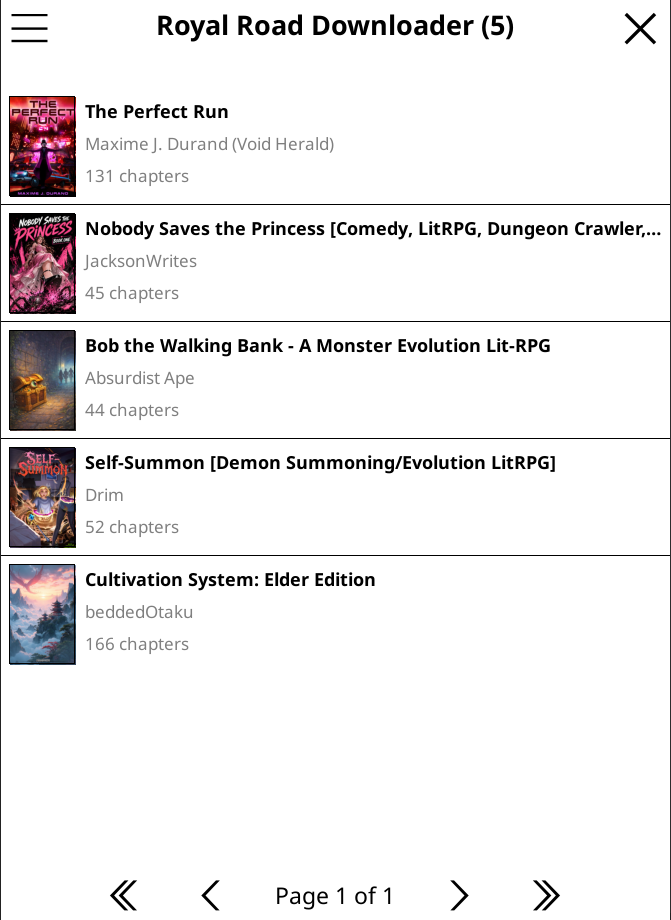
Your library
Downloaded stories appear in your library with cover art. Filter and sort to find what you want.
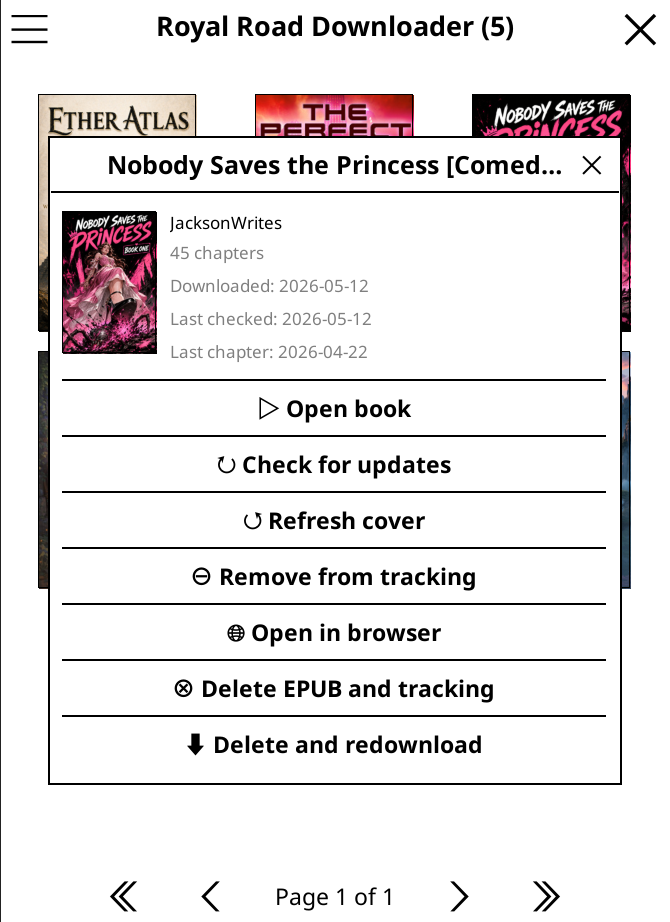
Story options
Tap any story in your library to open its options — read, check for new chapters, re-download, or delete.
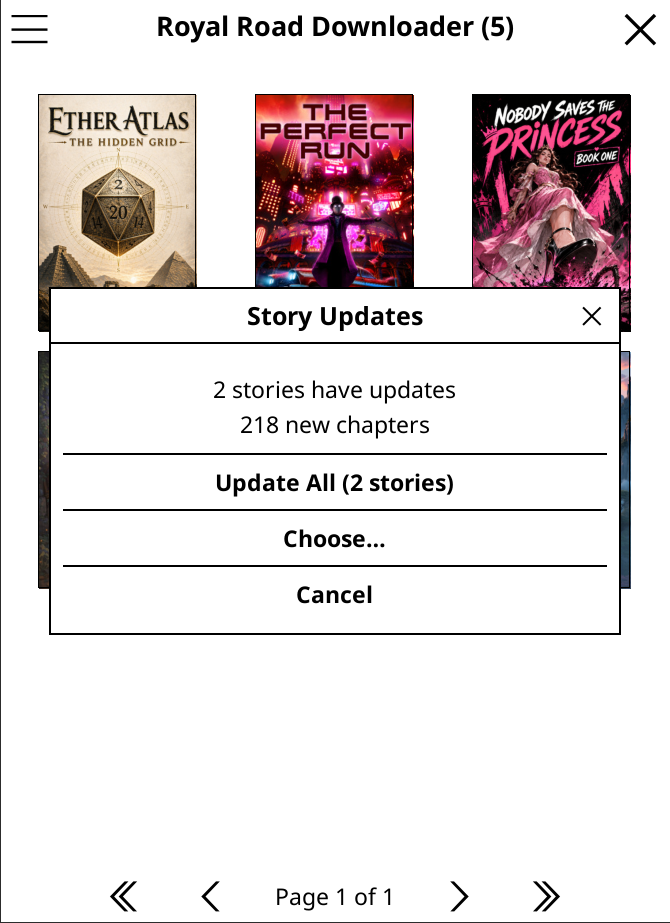
Updates
Check for new chapters at any time. New chapters are merged into the existing EPUB — your reading position and bookmarks are preserved.
Installation
The easiest way to install is via the KOReader App Store plugin — open it on your device, search for Royal Road Downloader, and tap Install.
To install manually: download the latest release, unzip it, and copy the royalroad.koplugin folder
into your KOReader plugins directory for your device, then restart KOReader.
| Device | Plugin directory |
|---|---|
| Kobo | /mnt/onboard/.adds/koreader/plugins/ |
| Kindle | /mnt/us/koreader/plugins/ |
| Android | /sdcard/koreader/plugins/ |
| Linux / macOS | ~/.config/koreader/plugins/ |
After installation the plugin is accessible under Menu → Tools → Royal Road Downloader.
Limitations
- No official Royal Road API is used — the plugin scrapes HTML, so changes to the site's structure may break it temporarily until an update is released.
- Paywalled, member-only, or restricted stories are not supported and cannot be downloaded.
- Very long stories with hundreds of chapters may take several minutes to download over a slow connection.
- The plugin does not track new Royal Road releases automatically; you must manually trigger an update check.